
Pairing mobile apps
The mobile apps connect to your server through camera.ui Cloud. You pair the app with your server once.
Pairing
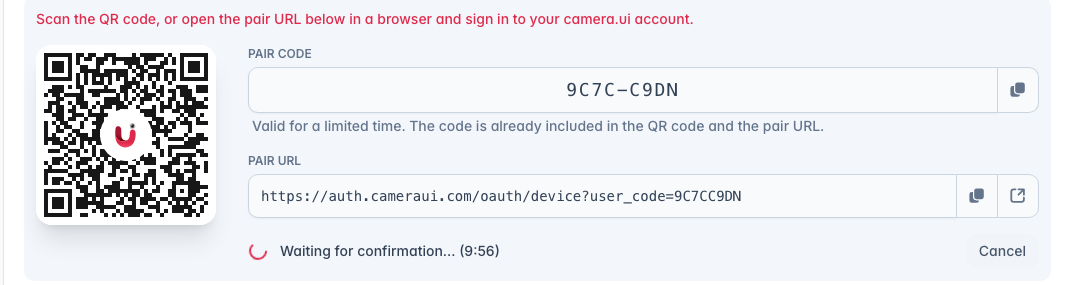
- On the server, open Settings → Remote Access and choose Register server. A QR code, a pair code, and a pair URL appear.
- Scan the QR code with your phone's camera, or open the pair URL in a browser, and sign in to your camera.ui account. The code expires after a few minutes.
- Press Connect. The server appears in your account.
- If camera.ui Cloud is still off, the server now asks whether to turn it on. Choose Enable, the apps need it.
Connecting
Paired servers appear in the app's cloud server list. Pick one to connect, and switch between them in the app.